
HOSTING A SWIM MEET
RULES & OFFICIALS
Warm-up Safety Procedures - revised Sept 18, 2025
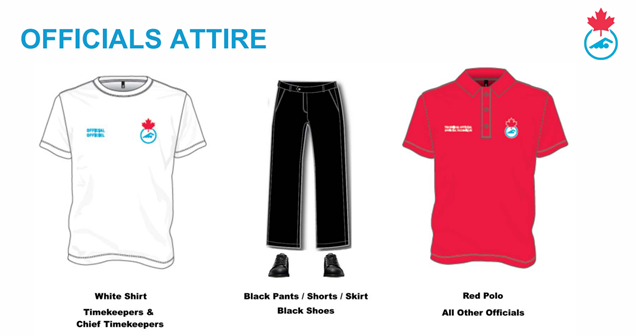
Note: clothing with Swimming Canada or Swim Sask logo is not required
TECHNICAL PACKAGES & POLICIES
Summer Swimming: Technical Package - revised July 26, 2025
Cancellation due to Weather or Unforeseen circumstances policy SC-4 - revised May 26, 2026
MEET PACKAGES & SANCTIONING
“Steps” to Sanctioning a Competition - updated July 23, 2026
2026-2027 Meet Package Requirements Template for Age Group, Masters, and Varsity Meets:WORD(revised v2 Sept 4, 2026)
2026 Meet Package Template for Summer Club Meets: WORD (revised April, 2026)
Meet Package Template for Summer Swimming North/South Semis: WORD (revised June 18, 2026)
Send your final draft of your meet package to the Referee who’s name is in Bold on the Referee Schedule. After they reviews and you make any changes, please send package to the Meet Referee; official with * by their name. After the second review and you have made any other changes, then you can upload the package in a word document for sanctioning in REMS.
LOGOS
For incorporation into Meet Packages:
Sask Lotteries: https://www.sasksport.ca/funding-recognition/sask-lotteries-funding-recognition/
Swim Sask: Colour Logo, Black and White

MEET SETUP, REPORTS, AND RESULTS
Hytek Meet Manager Instructions for Setup, Entries, Scratches and Results - Year Round Age Group Clubs (revised Nov 10, 2023)
Hytek Instructions for Entries- Meet Manager - Summer Clubs
Reports to produce after entry deadline date - this document is currently under review and being updated